geeky NEWS: Navigating the New Age of Cutting-Edge Technology in AI, Robotics, Space, and the latest tech Gadgets
As a passionate tech blogger and vlogger, I specialize in four exciting areas: AI, robotics, space, and the latest gadgets. Drawing on my extensive experience working at tech giants like Google and Qualcomm, I bring a unique perspective to my coverage. My portfolio combines critical analysis and infectious enthusiasm to keep tech enthusiasts informed and excited about the future of technology innovation.
Apple Siri Is About to Open Every App. Here Is What Apple Told Developers
AI Summary
Apple's iOS developer preview lets Siri AI execute third-party app actions via custom tool intents and markdown-based App Skills. Custom tools route to Siri when an app is open, named, in a Live Activity, or in recent context, requiring developers to focus on slim tool sets, batch parameter support, and testing via Xcode's Siri Evaluations framework before spring App Store submission.
November 07 2026 01:45
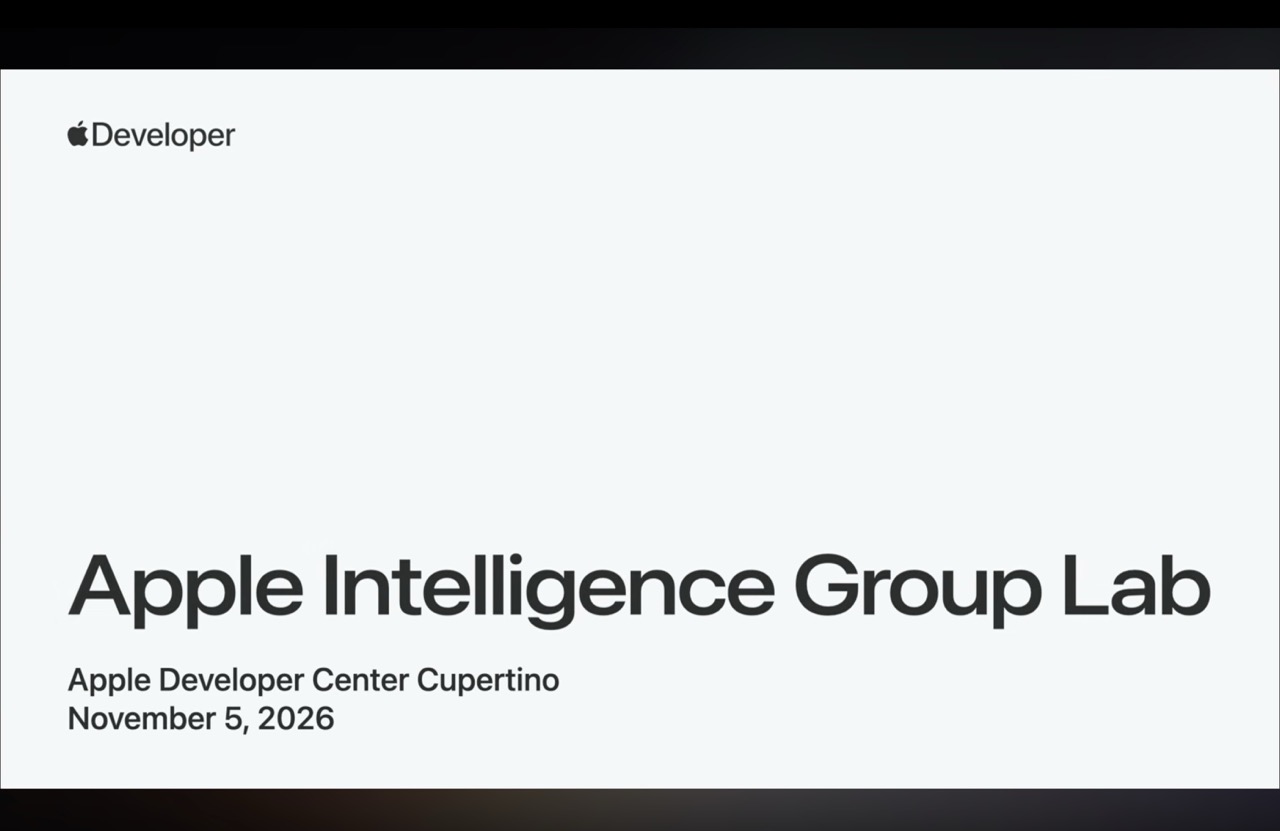
On November 3, Apple opened a Developer Preview that lets any developer bring an app's content and actions into Siri AI through App Intents. It runs in the iOS 27.3 family of betas. Apps using it run only in Xcode builds and with internal TestFlight testers until App Store submission opens in the spring.
Until now, third party apps could only reach Siri through Apple's predefined schemas, which are fixed templates for things like reminders or calendar events. If your app did something that did not fit a template, Siri could not touch it. The new tool intent API removes that wall. You take an App Intent you already wrote, mark it as a tool, and Siri can call it when someone makes a request.
The lab covered the pieces around that change:
Tool intents, which turn existing App Intents into actions Siri can call directly
App skills, which are markdown files that teach Siri how to handle complicated multi step interactions
Spotlight search, where Siri can now find content you indexed even if it does not fit a schema
Entity snippets, which let you control how your content looks inside Siri AI
The Siri integration advisor in Xcode, which reviews the shape and descriptions of your tools
The Siri Evaluations framework, which lets you script test conversations
One caveat the panel repeated several times: this is a developer preview, and the APIs can still change. Also, Siri AI is currently unavailable in the EU on iOS, iPadOS and watchOS, which matters if your users are there.
How Siri decides whether your app gets called
The most practical answer of the night came from a question about generic requests like "get me food" or "convert this file." Apple's answer is that for custom tool intents, Siri does not pick an app out of thin air. Your tools become available only when one of four conditions is true:
The user names your app in the request
Your app is in the foreground
A Live Activity from your app is showing
A search result or earlier step in the conversation already contains an entity from your app
That means a vague request will not magically route to you. If someone is looking at their favorite food ordering app and says "order me a burger," that app's tools come up first. If they are on the home screen and say it with no app name, you are probably out of luck unless an earlier search surfaced one of your entities.
Schematized intents work differently. If you build a reminders app and your intent follows Apple's reminder schema, Siri leans on user behavior to choose between competing apps. That is why donations matter. If a person creates a reminder by tapping around in your UI, Siri has no idea unless you donate that action through the intent donation APIs. Those donations become a signal for which app the user prefers.
The engineers also gave this advice for anyone in a domain Apple already covers, such as reminders, calendars or navigation: adopt the schema first. Schemas get you things tool intents cannot, like creating a reminder without the app being named or in the foreground. Then add custom tool intents on top for what is unique about your app. Where both exist, Siri should favor your custom intents.
Fewer tools, better tools
The first question from the audience was whether exposing a lot of intents hurts Siri's ability to pick the right one. The limit is 40 tools, but the guidance was to stay well under it. Think of each tool as one logical action a user would take. For a shopping app that might be searching for a product and adding it to a cart. Use the smallest set that supports what people actually want to do.
Michael, who runs the App Intents core team, added the line I would put on a sticky note: do not assume you will get it right the first time. You may break your tools down sensibly and find Siri handles them well. You may also find the split is wrong. The fix is usually rewording descriptions, but sometimes it means changing how many tools you have and how they are organized.
Why Apple will not opt your intents in for you
A developer asked why intents registered as App Shortcuts are not automatically exposed to Siri AI. The answer was a good lesson in honest product design. If Apple did it automatically, your intents would work on the golden path, where someone says exactly the expected phrase, and fall apart the moment a person phrased things differently. Apple would rather you test both easy and odd phrasings first.
The opt in itself is trivial. It is a macro and about one line of code on an existing intent. The work is evaluation, and Apple is clearly trying to make that less painful.
Evaluations are the real product here
If there was one theme of the night, it was the Siri Evaluations framework. You write scenarios, run them against Siri, and read a report in Xcode showing what Siri said and did on each turn. Because responses vary between runs, Apple's documentation says to run the set more than once and improve your intents, parameter descriptions and skills until more of them pass consistently.
A few details from the lab that are easy to miss:
Evaluations focus on the trajectory, meaning which tool Siri picked and whether a skill was loaded, not on latency
Failures and retries show up in the record
It behaves more like a unit test than an LLM as a judge setup, though the Foundation Models evaluations tooling does support judges
Xcode ships coding agent skills that walk you from no Siri integration to a working one
If you use a terminal agent instead of Xcode, an xcrun command can install those skills where your agent finds them
The panel also recommended testing in layers. Start with App Intents testing, which checks that your queries, your intents and your Spotlight indexing behave as expected. Only then bring Siri into it. Otherwise you will chase a bug in your perform method and think the model is misbehaving. As one engineer put it, check that the tool works first, then check whether the model can call it.
Skills are guidance, not gospel
App skills got a lot of airtime, and the engineers were almost cautious about them. A skill is a set of natural language instructions telling Siri how your domain works, for example the order in which to gather information or when to ask a clarifying question. But Siri can chain tools without one, and a skill does not guarantee anything.
Their advice came down to a few rules. Do not default to a skill. Write well described tools first and add a skill only when Siri keeps getting your workflow wrong. If you need a hard guarantee that step A runs before B, C and D every time, do not use a skill. Combine those steps into one larger tool so the model cannot split them. Tools should also stand alone, because Siri may hit them with or without your skill loaded.
For writing style, they said to refer to tools informally, in plain language, the way you would brief a capable assistant. Say "call the get car tool" rather than quoting a code symbol. Skills are shown to Siri under the same context rules as tools, so the description of your tool and the text of your skill should agree with each other.
A neat side detail: Siri reads a skill's front matter to decide whether to load the whole thing, which keeps context usage down.
Batching, chaining and the 30 call ceiling
Siri can chain roughly 30 to 32 tool calls within a skill. That sounds like plenty until you imagine a user asking to favorite 40 photos with a tool that handles one photo at a time. The recommendation was to build batch support into your intents by accepting a list. Looping inside your intent is faster than making the planner loop one call at a time.
There is also an entity collection type. If all you need is IDs, for example to make one server call or one database query, entity collection lets Siri skip calling your query first to fetch full entities. That makes large selections much cheaper.
A related point: tool intents are not limited to one or two parameters the way App Shortcuts were. They can take many parameters, including free form strings, and Siri should be able to pull several values out of a single sentence. The example from the audience was logging a lift of 350 pounds for 8 reps, or logging 18 ounces of water without saying "fluid ounces." The engineers said clear titles and descriptions on your parameters are what guide that. They also pointed to a new generable trait on app entities, which lets Siri build a transient entity on the fly, like a flight search from San Francisco to Taiwan on a given date.
Speed, background actions and the Mac and iPhone gap
Can Siri trigger an action in an app that is not in front? Yes, if one of the four conditions above applies. Expect normal intent latency, plus launch time if the app is not running. The engineers suggested putting intents in an app extension, or in a shared framework used by both, because extensions usually spin up faster and the system prefers whatever is already running.
There is a gap for people with paired apps. One question asked about an iPhone app that works as a remote for a Mac app. Today there is no automatic way for a request on one device to run an action on the other. You should put intents in both native apps and let your own sync handle the rest. The same kind of gap came up for watchOS, where tool intents are not available yet. The panel called that good feedback and asked people to file it.
What leaves your device
This was the most important answer for anyone in a regulated or privacy sensitive space. Tool intents only work with Siri on the server, which means Private Cloud Compute. The request, including tool definitions and parameters, goes there encrypted. Apple says it cannot read it. The panel pointed to its technical paper on PCC for the verifiable privacy claims. If the device is offline, Siri can still use its on device model, but tool intents are not supported in that mode.
You do get controls over what Siri sees:
Mark entity properties as private so the model never sees them but your app can still use them
Set authentication policies on intents, entities and properties so sensitive data is gated when the device is locked
Keep validation and business rules in your own code, since you cannot rely on a model for anything that must be deterministic
A banking app is the example that stuck with me. You might expose the last four digits of an account freely, but require authentication before Siri can read the balance. Apple's own finance example requires authentication for an account nickname and balance, but keeps the routing number internal to the app.
On hardware, the answer was simple. Any Apple Intelligence device works, which means iPhone 15 Pro and later. Since the heavy lifting happens on PCC, behavior should be close to identical across devices.
The Foundation Models side of the house
About half the lab drifted to the on device model, and this is where Preston style founders and indie builders should pay attention. The on device model has a context window of about 4,096 tokens on some devices, with larger windows on newer ones, and Apple now has a documentation page listing which devices get which model. Developers asked whether that will grow.
The answer was a mix of tricks and an escape hatch. The tricks are trimming the transcript, dropping old tool call outputs, using generable types for structured output instead of long prompt instructions, and using the open source utilities that handle some of this. The escape hatch is the language model protocol. At WWDC, Apple introduced Core AI, which replaces Core ML, along with a unified protocol that lets on device, open source and cloud models be used through the same API.
In practice that means you can build a feature against the system model, then swap in a larger model through Core AI with about one line of change. The engineers mentioned Gemma 4 with a context of up to around 100,000 tokens as an example, and said the same Foundation Models session can sit on top of the on device model, PCC or a custom model. Dynamic profiles even let an agentic workflow swap between models, each with its own tools and instructions.
Two other practical notes. For first request speed, use the prewarm API and check Instruments, which can show latency per turn and per tool call. For custom models, ahead of time compilation moves the first load cost to build time. And on a question about using the on device model as the engine for a third party coding agent, the panel was direct: the built in model is not recommended for coding, but a coding capable model brought in through Core AI can run fully offline.
Long running tasks have their own API. A long running intent gets much more time than the normal limit, in exchange for a visible progress UI, cancellation and the ability to report progress. The engineers also nudged developers toward granular tools. If your task needs many model round trips, think about the whole experience, not one call.
How will users even find any of this
Discovery was the awkward question of the night, and the answers were candid. App Shortcuts taught people exact phrases. Skills and tools do not, because Siri understands many phrasings. The only built in discovery path today is that users can ask Siri what they can do in an app. Apple wants feedback on better options.
The engineers framed it as a design problem inside your own app. Show capabilities, not commands. Something like a prompt after an update saying Siri and your app can now do a particular thing together. Users should not need to know what a skill is.
App Store submission opens in the spring, and the terms and usage policies for Siri AI experiences are still to come. That means there are a few months to get your intents into shape while competitors are still reading the documentation. For anyone building a voice first product, or an app where speaking a request beats tapping through three screens, this is worth the time now.